1
Instruments

Memorizing the fretboard is an essential piece of learning the guitar and other instruments like it. This can seem to be a daunting task for any guitar player, whether they are new or experienced. Fretonomy provides the tools for musicians to take their playing to the next level by memorizing and quickly recalling notes on the fretboard.


The app can easily help you track your personal development evolution if you take the time to set it up.
This is a great app which can help you save time and make your live easier. And it will help improve your productivity.
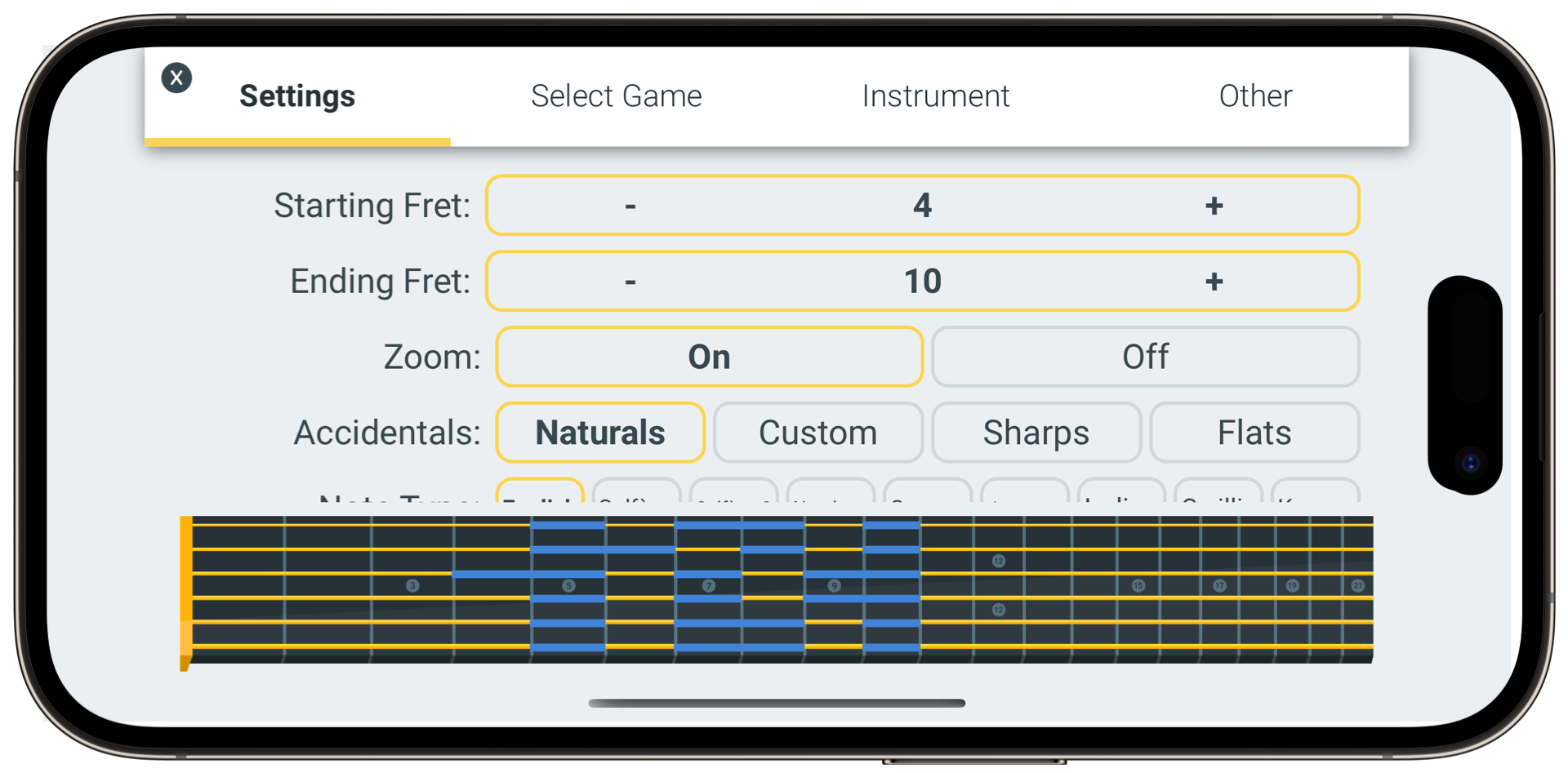
Customize your experience by selecting which section of the fretboard you want to practice on. Practice the first frets, a section in the middle, or the entire fretboard. Choose from the many games available. You can even learn the notes on the musical staff
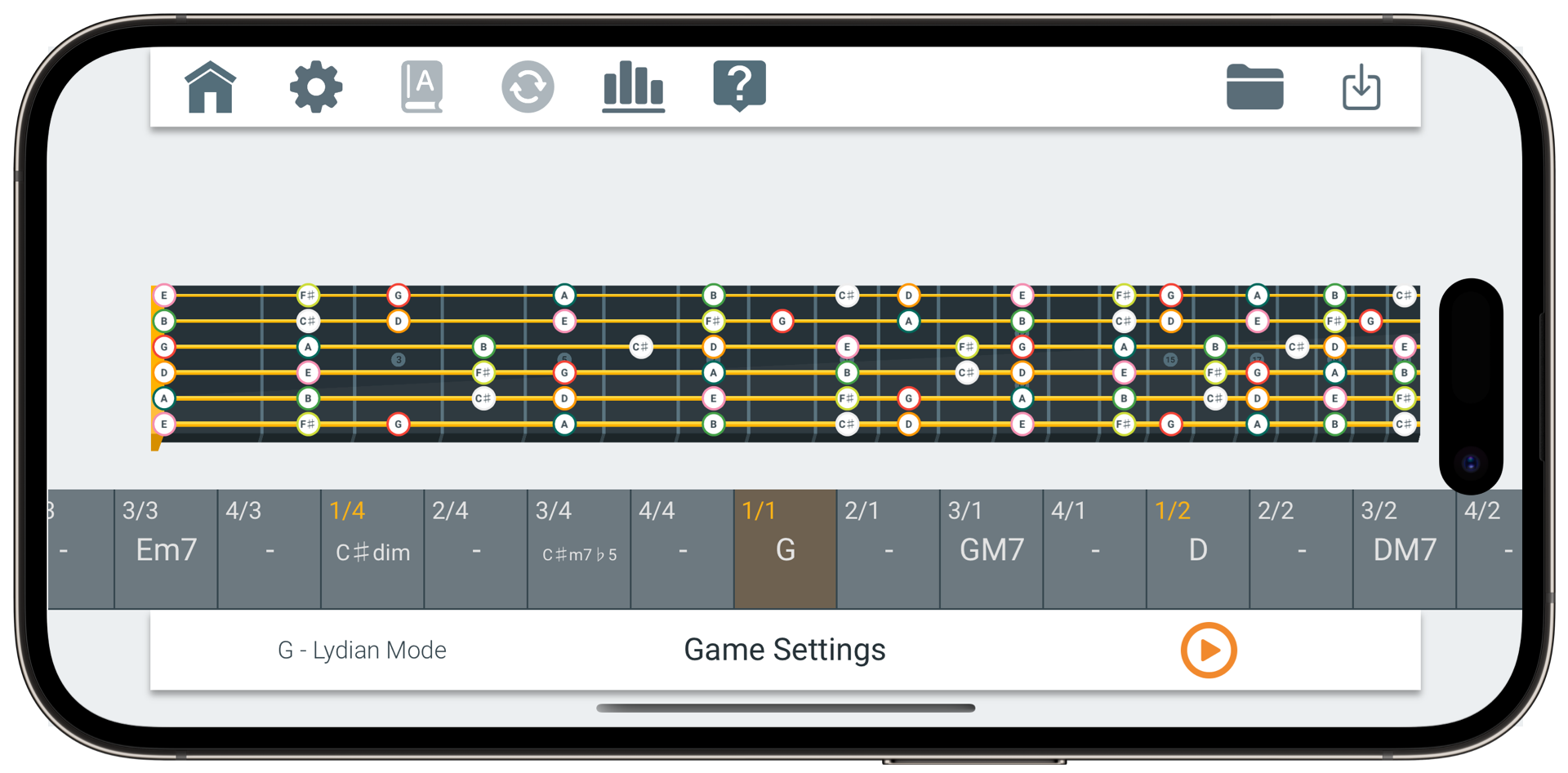
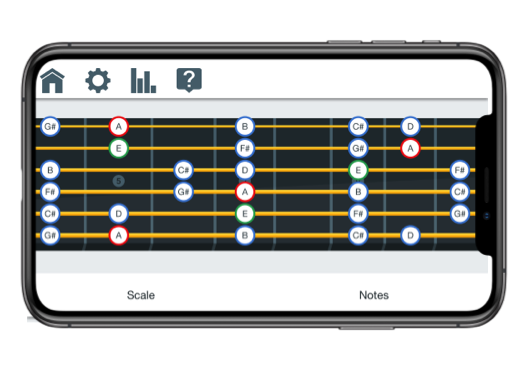
63 different scales to explore in the Scale Explorer game. Fretonomy lets you pick 1 of 62 scales with any root note and any tuning, and lets you explore the notes
Keep track of your progress by viewing the statistics kept for each instrument, each tuning, and each fret.
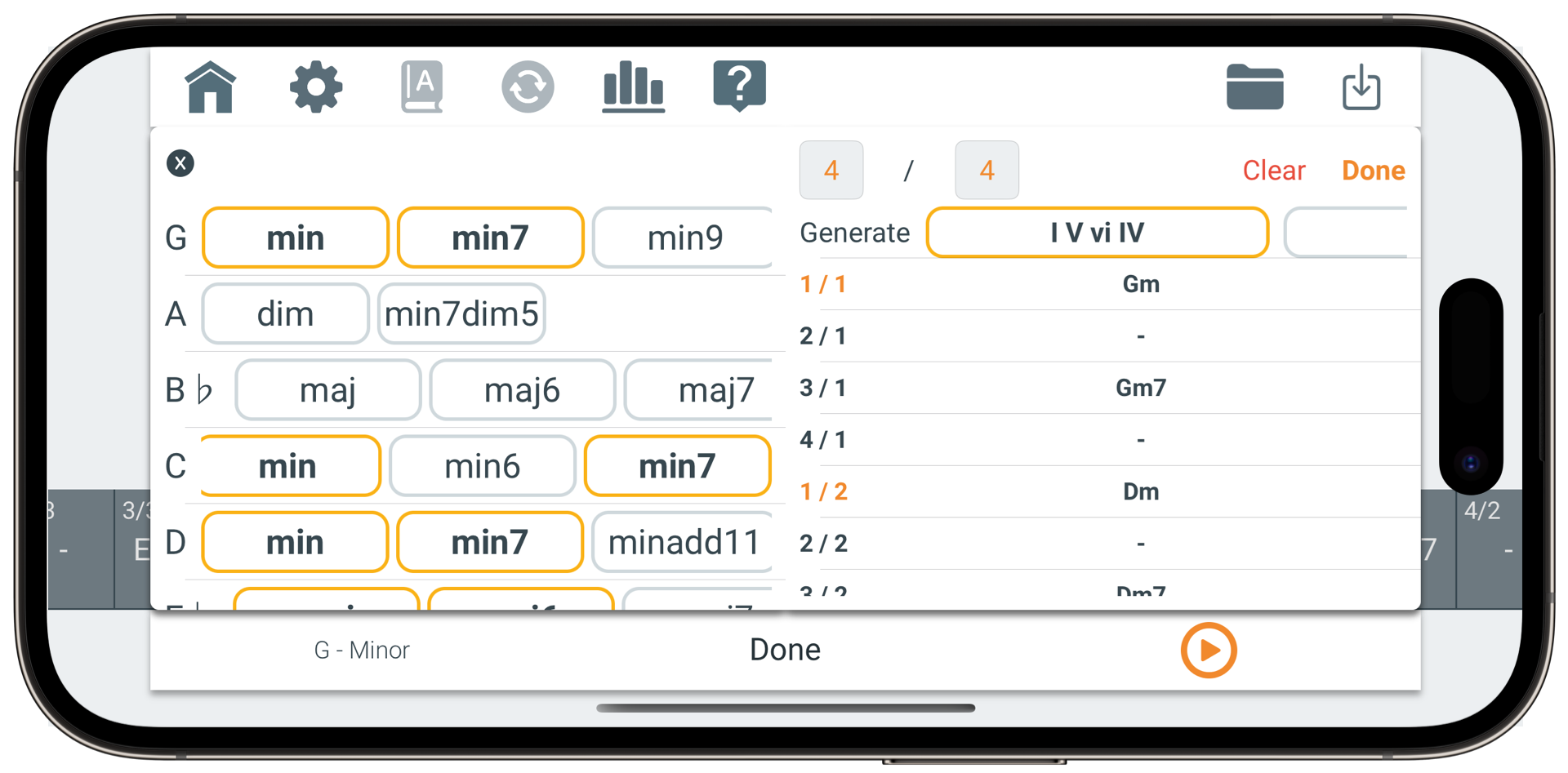
Memorize some chord patterns and memorize how to find intervals from your fret.

Fretonomy's features are designed to help you improve your fretboard memorization skills and become a better player overall
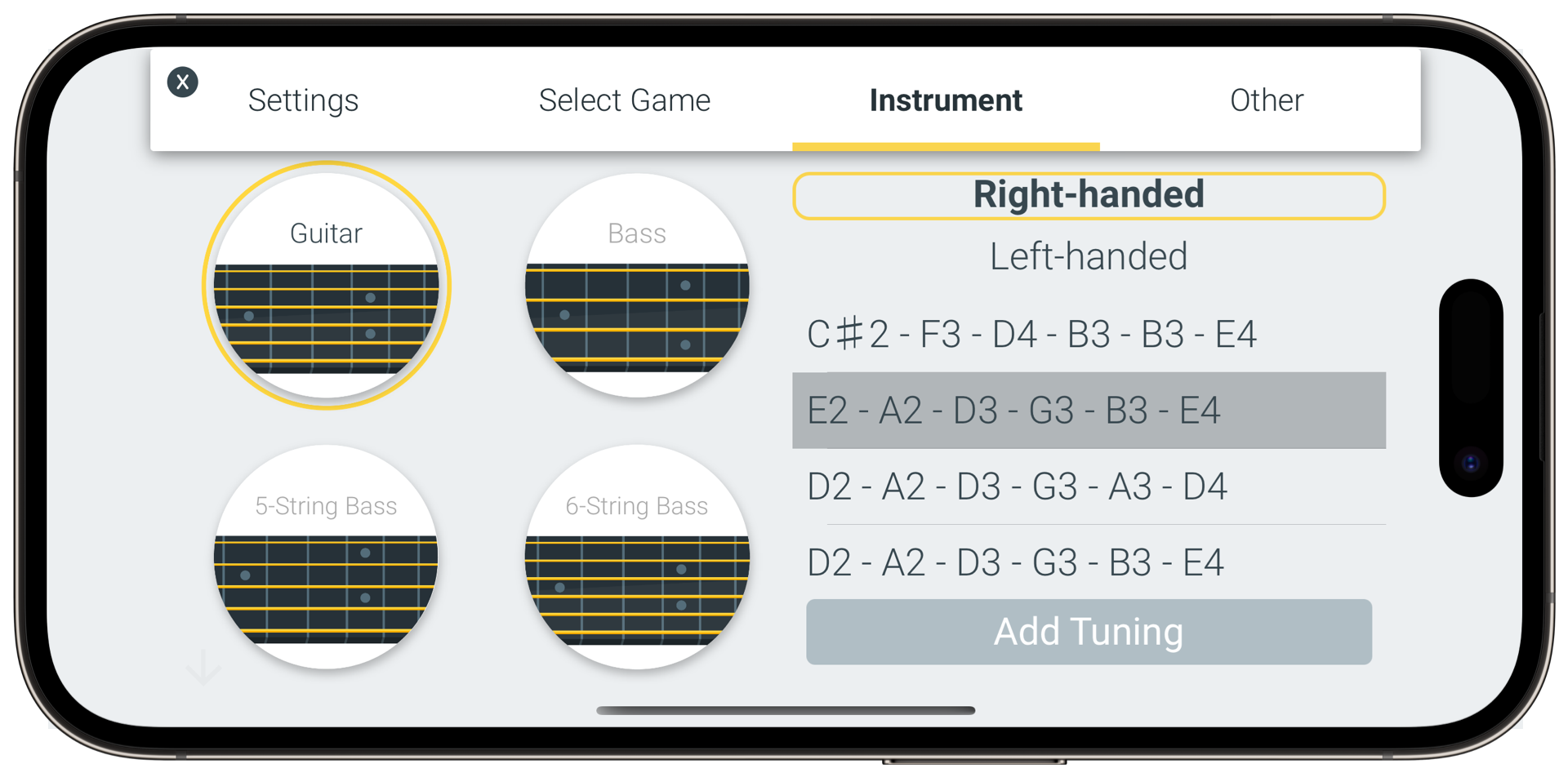
Master 9 different instruments: Guitar, 7-String Guitar, 8-String Guitar, Bass, 5-String Bass, 6-String Bass, Ukulele, Mandolin, or Banjo

Choose how you want to learn. Simply find the note for the fret in the Name Note game. Or, inversely, find the fret for the note in the Color Matching game. Plus more!
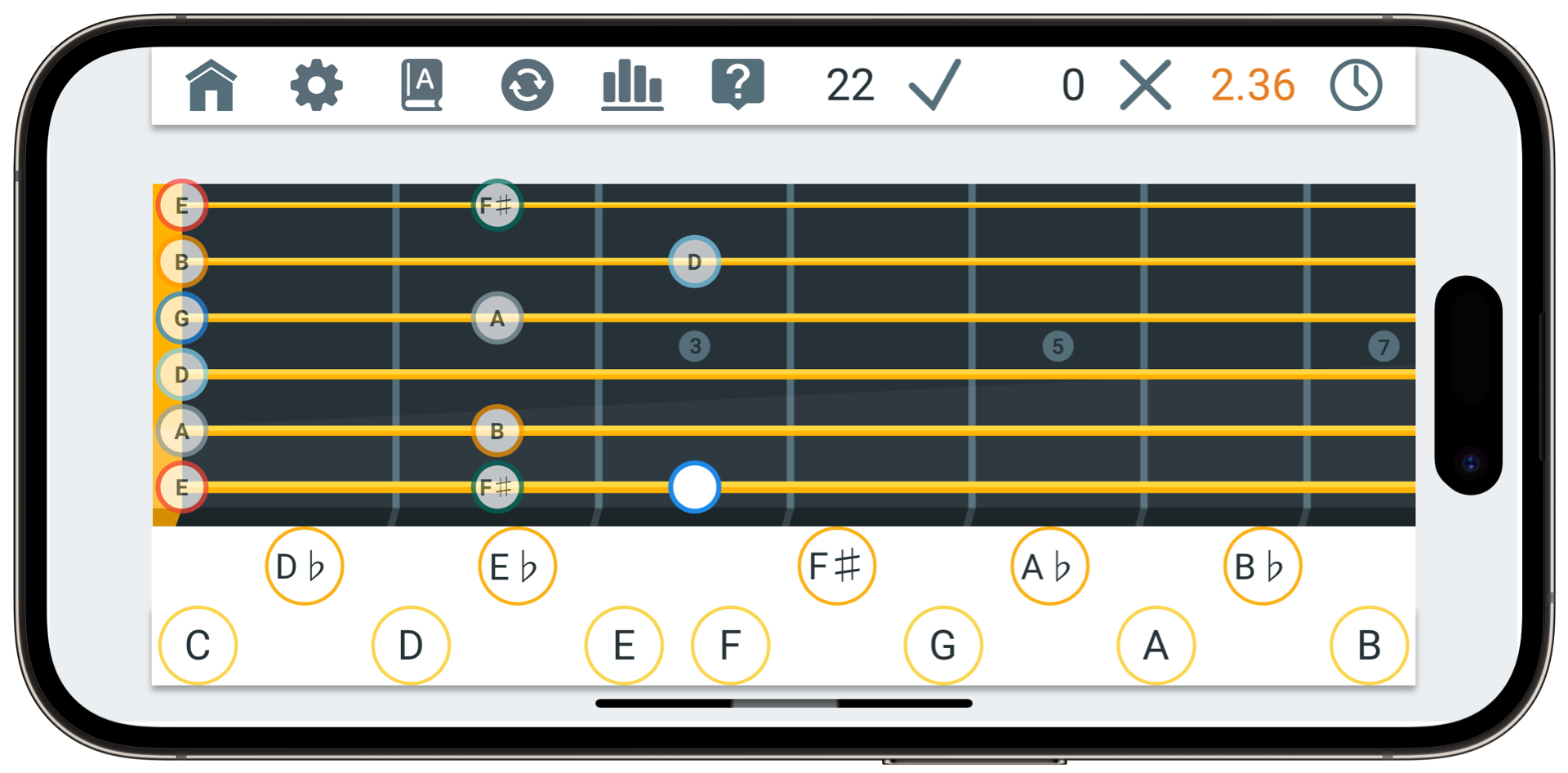
Learn musical scales by viewing them in the Scale Explorer mode. Choose a root note and 1 of the 63 different scales. Pan and zoom around the fretboard. Change the colors of intervals to make them stand out more.
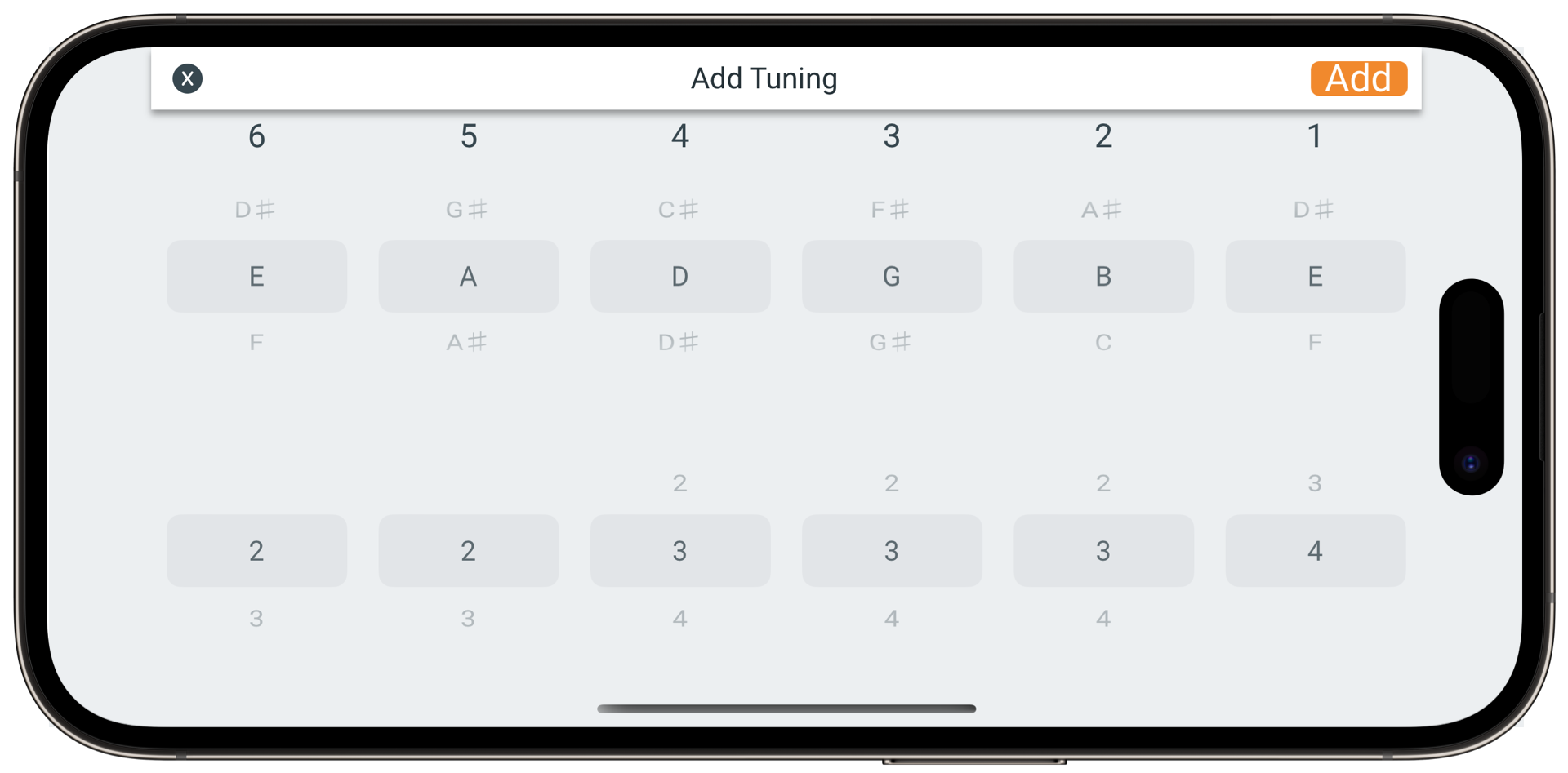
Use any tuning you want for any instrument. Popular tunings for all of the instruments provided
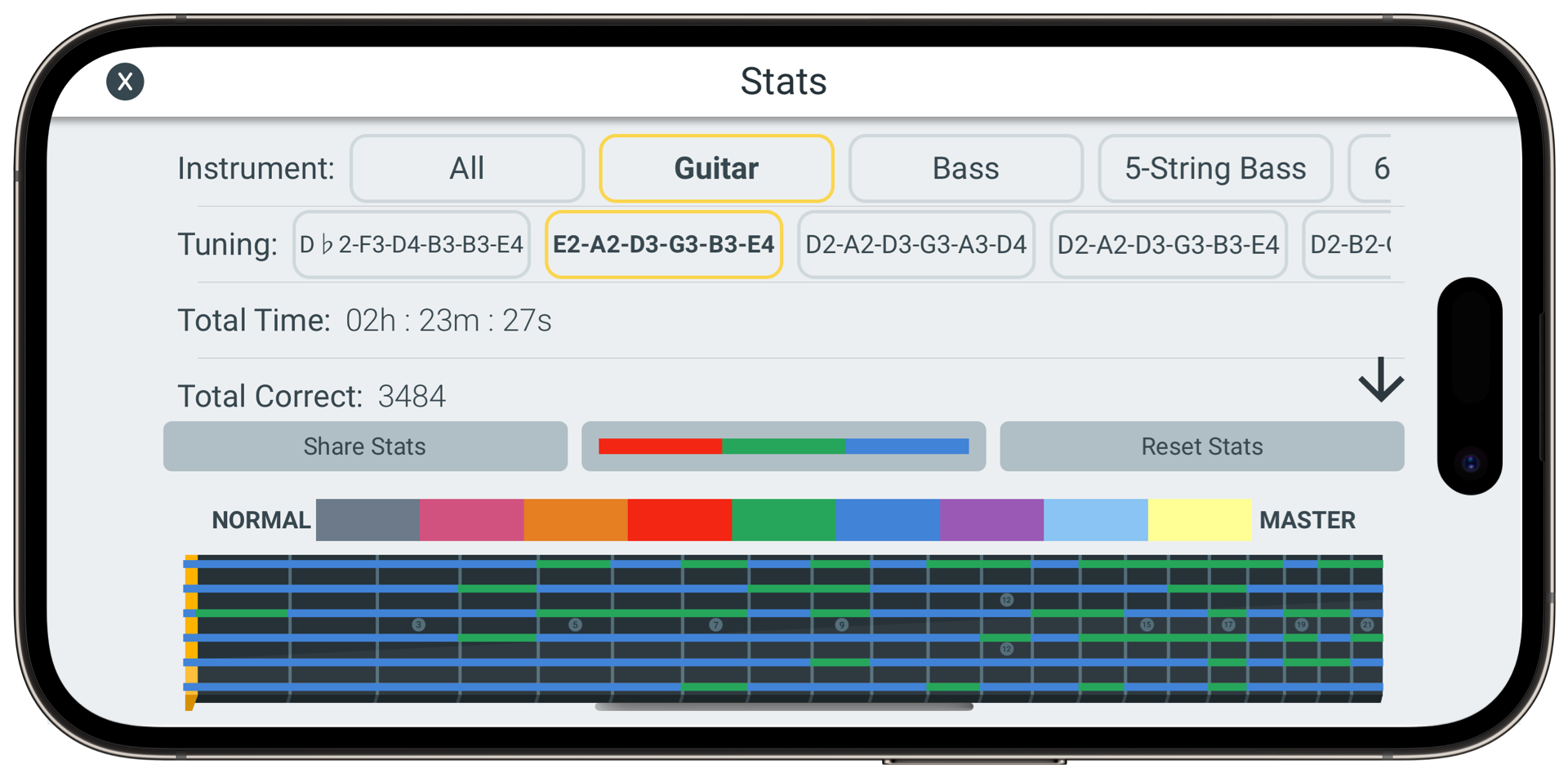
Keep track of your progress by viewing your stats and checking which areas of the fretboard you need to work on.
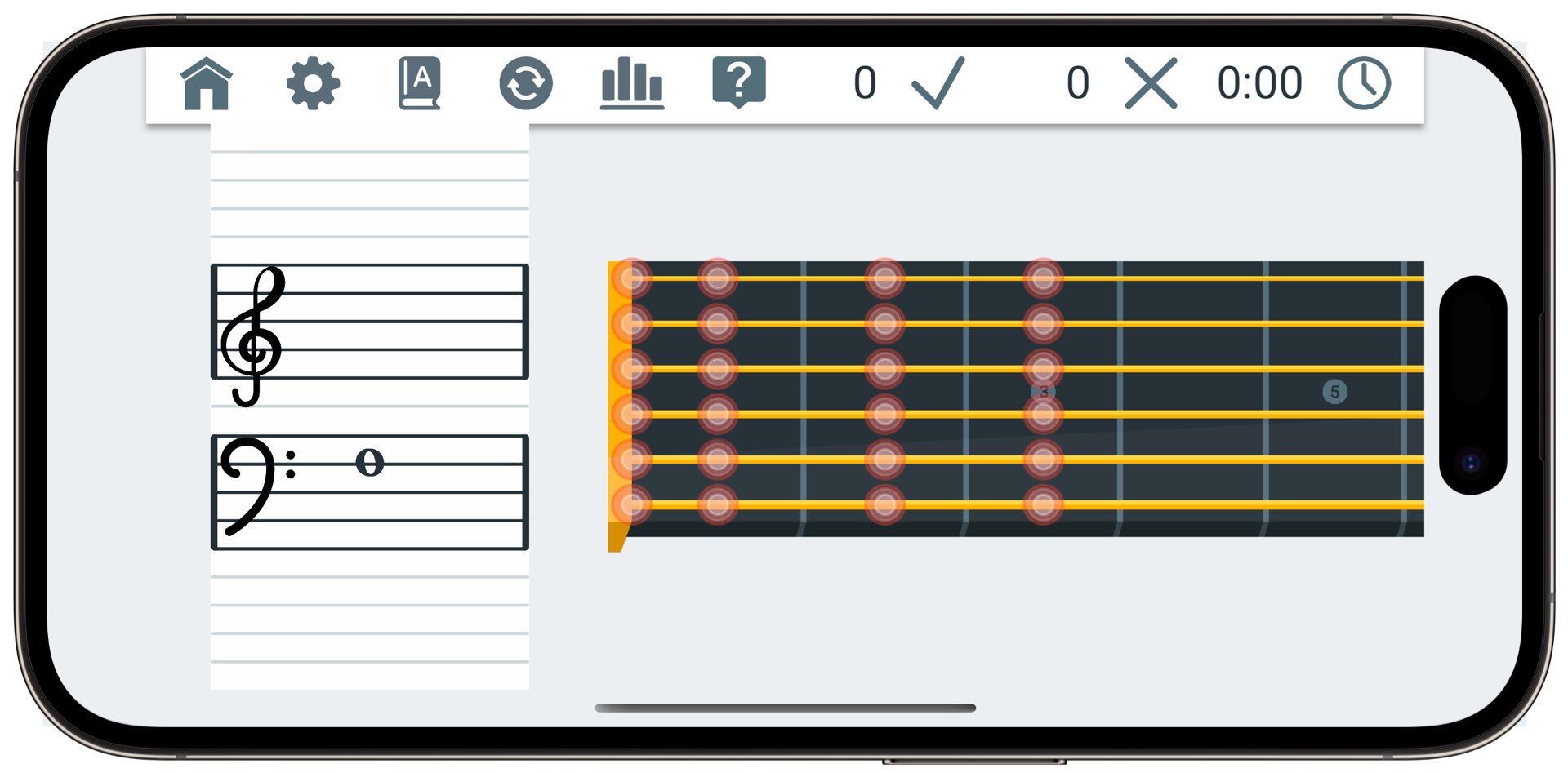
Learn to read music by finding the note for the clef on the staff. Or learn the musical staff and the fretboard at the same time
Instruments
Games
Copyright © Strong Apps LLC